Free · No ads · No account

Scan it. Read it. Hear it.

Pix Scan turns your Android phone into a PDF scanner, OCR text reader and PDF editor. It can even read your documents aloud or save them as an MP3. Everything runs on your phone, so your files stay yours.

Get it on Google Play
  • Works offline
  • No watermarks
  • 16 languages
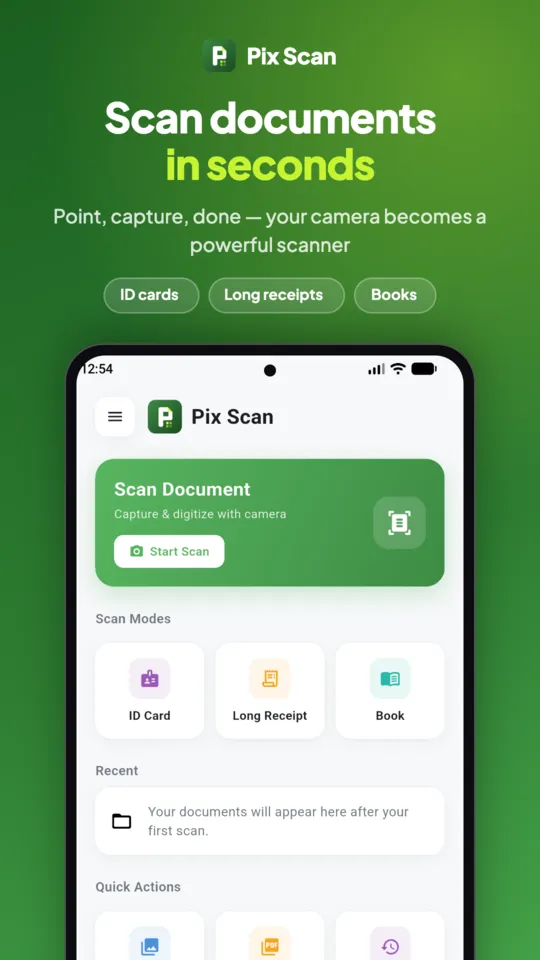
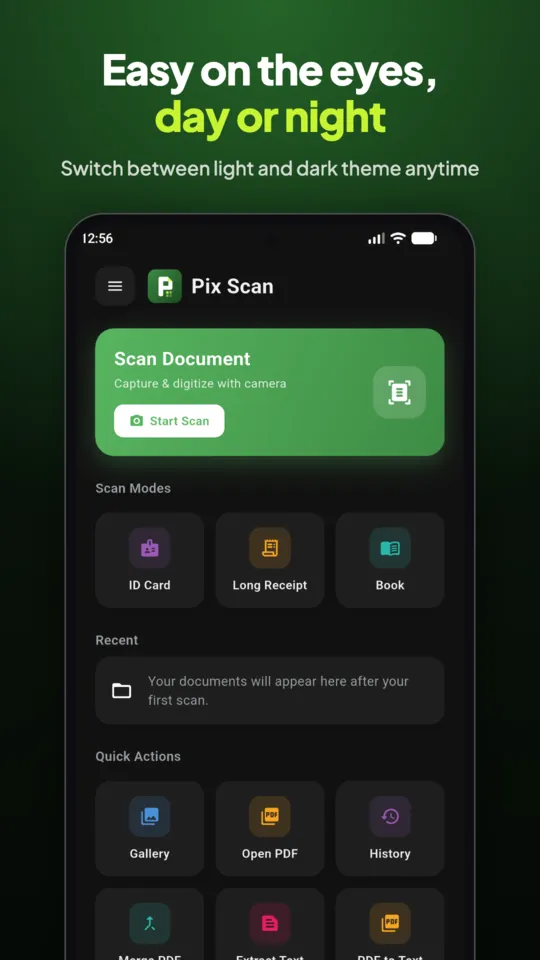
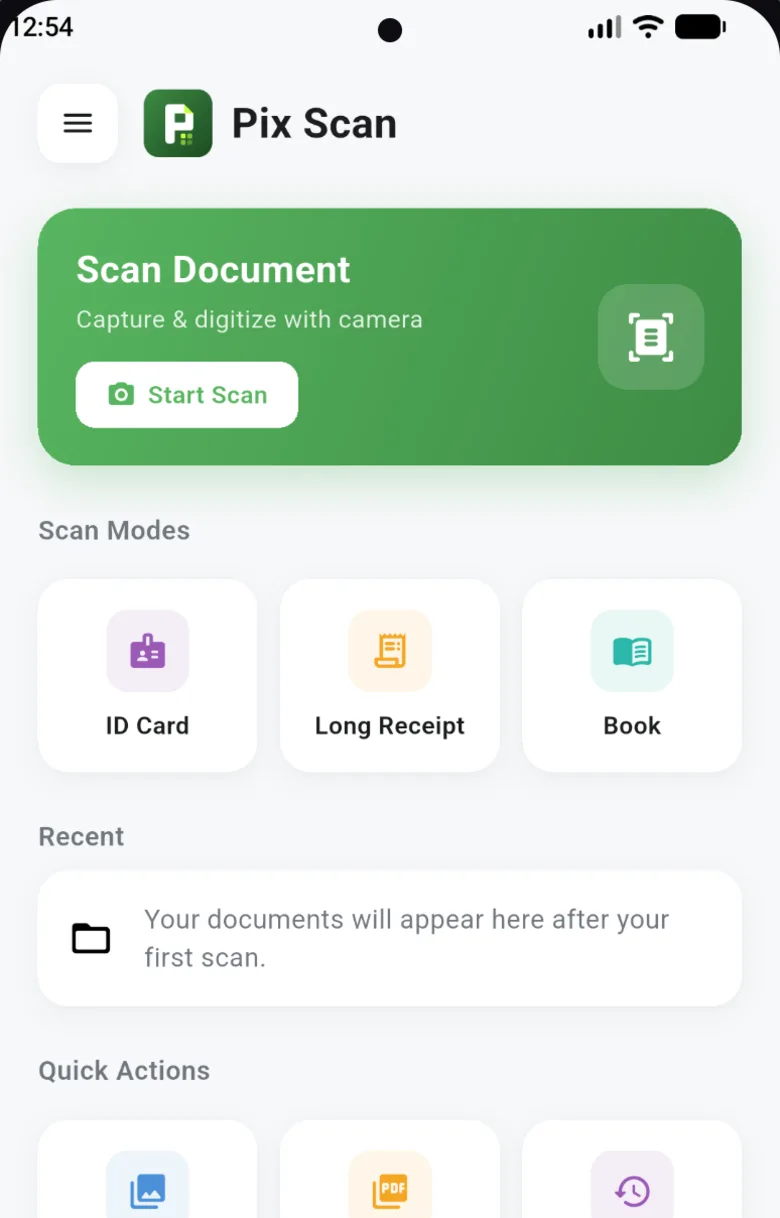
Pix Scan home screen with a Scan Document button, scan modes for ID card, long receipt and book, and recent documents
  • Free No subscription or premium tier
  • No ads Nothing between you and your scan
  • No account Open the app and start
  • Offline Works without internet

How it works

From paper to PDF in three taps

No settings to learn. Point your camera, check the result, and send it where it needs to go.

  1. Point and capture

    Edge detection finds the page and takes the shot. Scan up to 100 pages at once, or import photos from your gallery.

  2. Clean it up

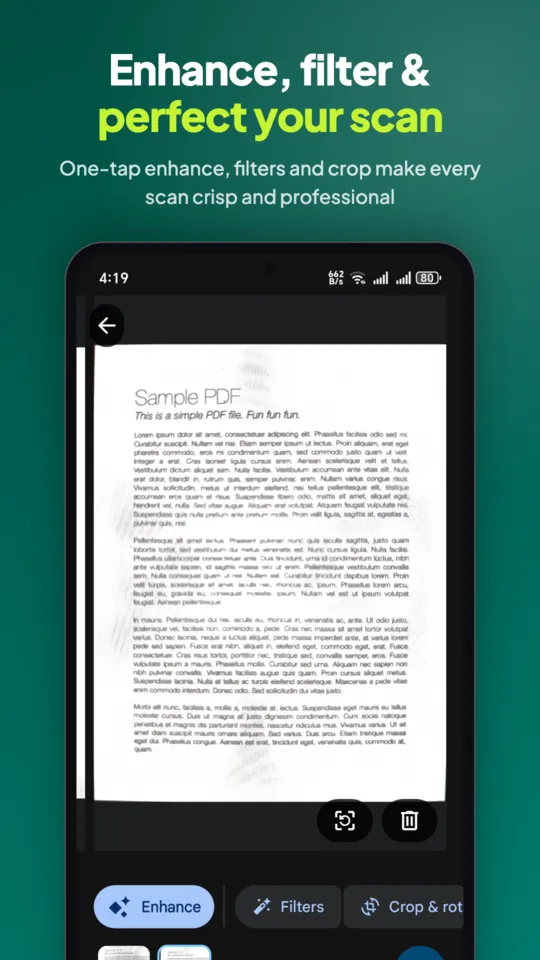
    Pick Enhance, Grayscale or B&W for one page or all of them. Crop, rotate and reorder pages with a drag.

  3. Save or share

    Send a PDF, images, text or audio by email, WhatsApp, Telegram or any app. Or save a copy to any folder on your phone.

Features

One app instead of four

A scanner, a text reader, a PDF editor and an audiobook maker, sharing one tidy library.

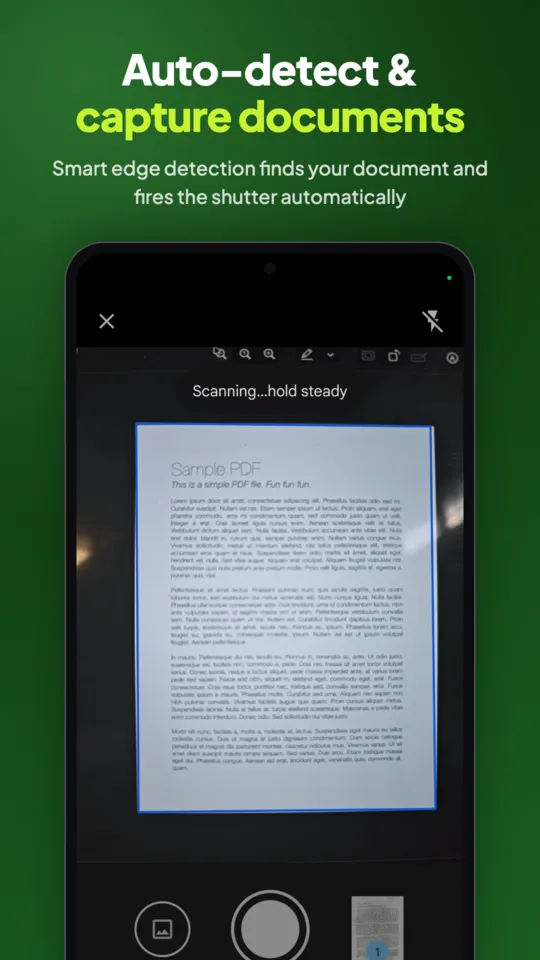
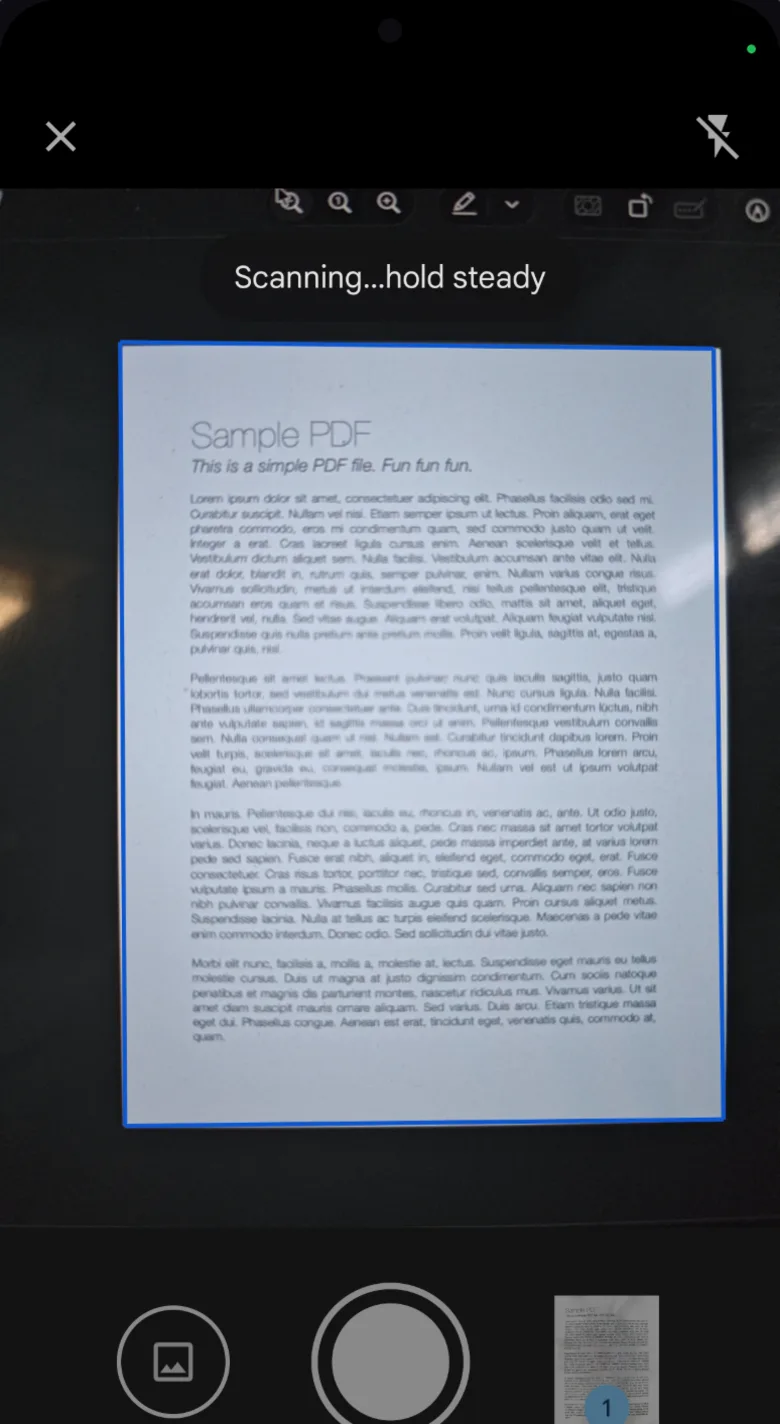
Pix Scan camera detecting the edges of a printed page with the message Scanning, hold steady

Scan documents to PDF

Hold your phone over a page and Pix Scan finds the edges for you. It works for contracts, receipts, notes and book pages.

  • Scan modes for ID cards (both sides on one page), books (splits facing pages) and long receipts
  • Up to 100 pages in one go, or import photos from your gallery
  • Filters: Original, Enhance, Grayscale or B&W, on one page or all
More about the PDF scanner
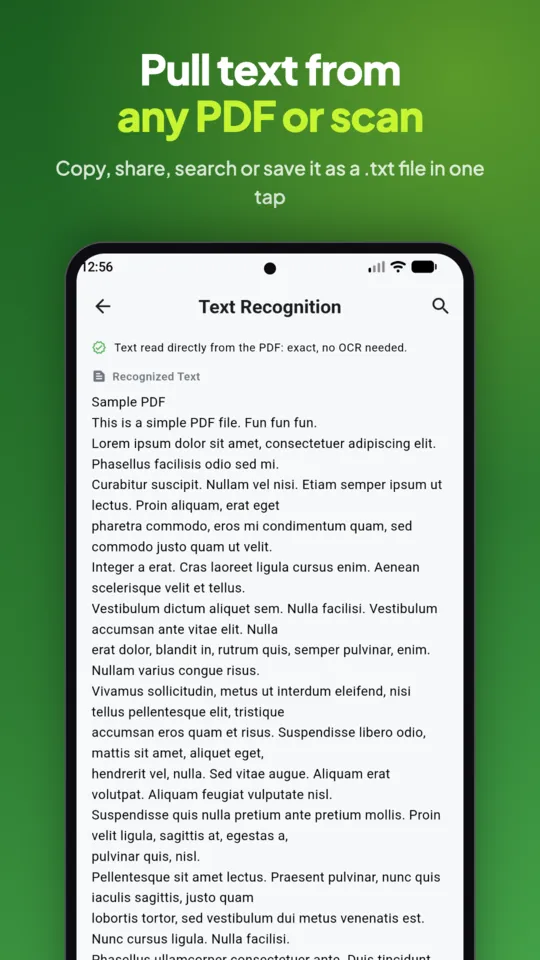
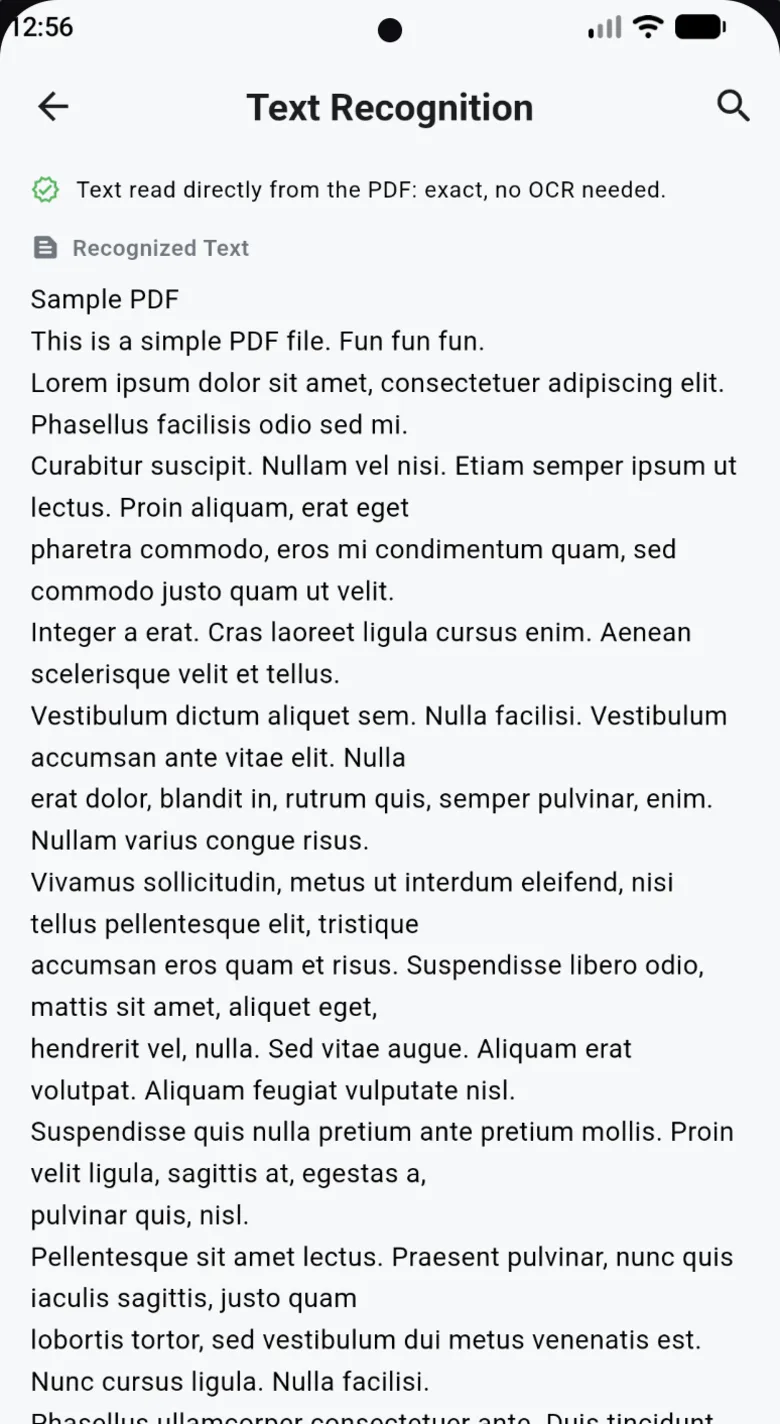
Pix Scan Text Recognition screen showing text pulled from a PDF, ready to copy, search or share

Pull text out of any scan

Built-in OCR (text recognition) turns scans, photos and PDFs into text you can use, right on your phone.

  • Copy it, search it with highlighted matches, or share it as text or a .txt file
  • Reads Latin-script languages such as English, Spanish, French and German
  • PDFs that already contain text work in any language
More about image to text
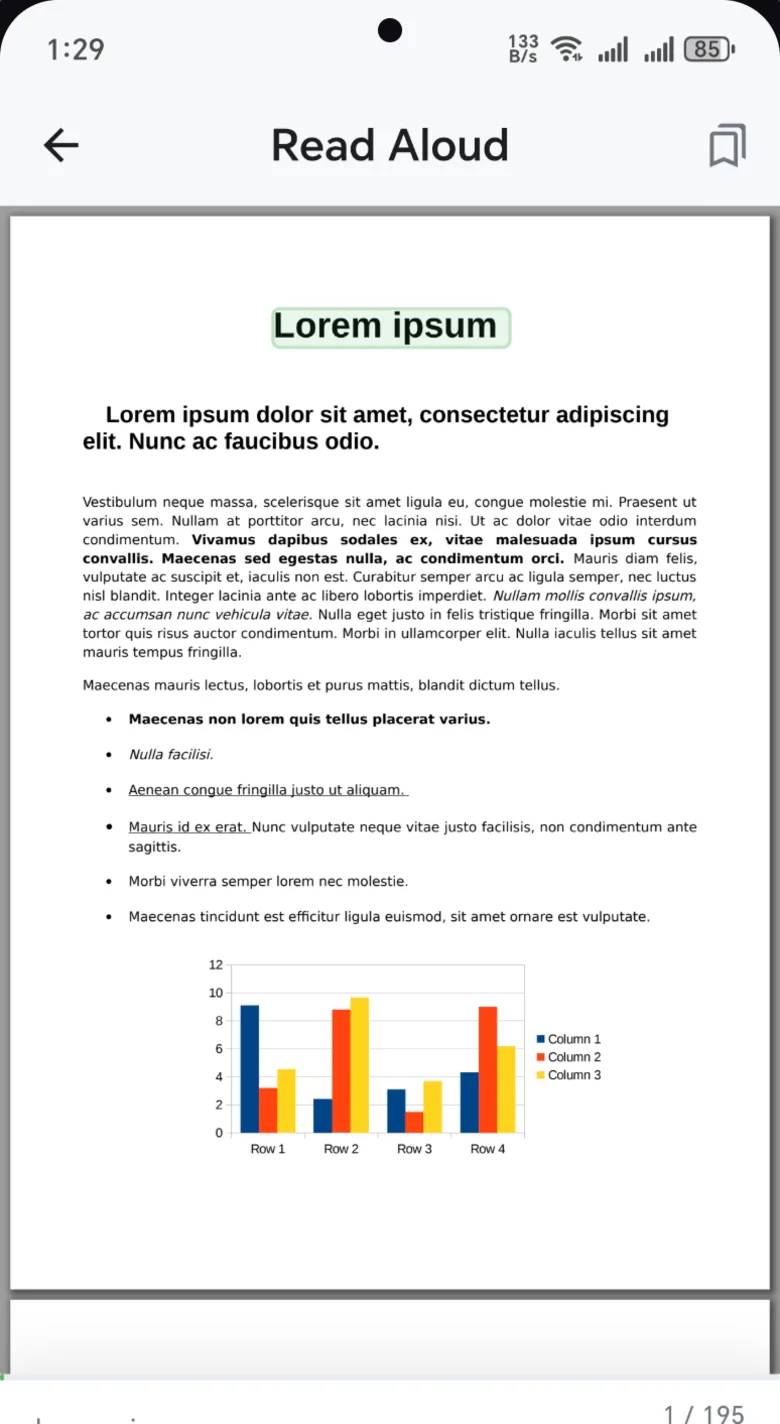
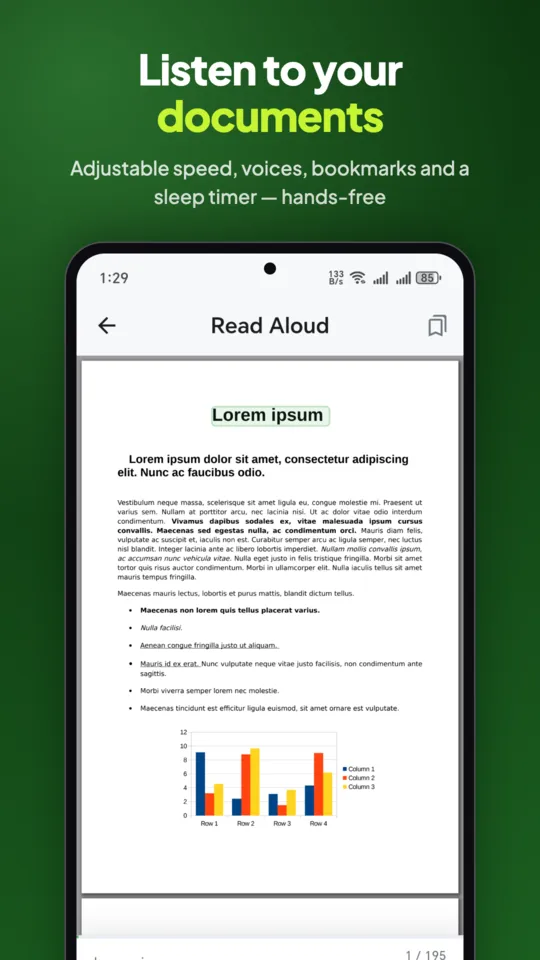
Pix Scan Read Aloud screen with the sentence being read highlighted in green

New

Listen to any document. Or save it as an MP3.

Read Aloud speaks your PDFs, scans and photos, and highlights each sentence as it goes. Turn study notes or long reports into audio you can play on a walk, in the car or in any music app.

  • Choose a voice, change speed and pitch, set a sleep timer and add bookmarks
  • Controls on the lock screen, and each document resumes where you left off
  • Export any document as an MP3 or M4A file
More about PDF to MP3
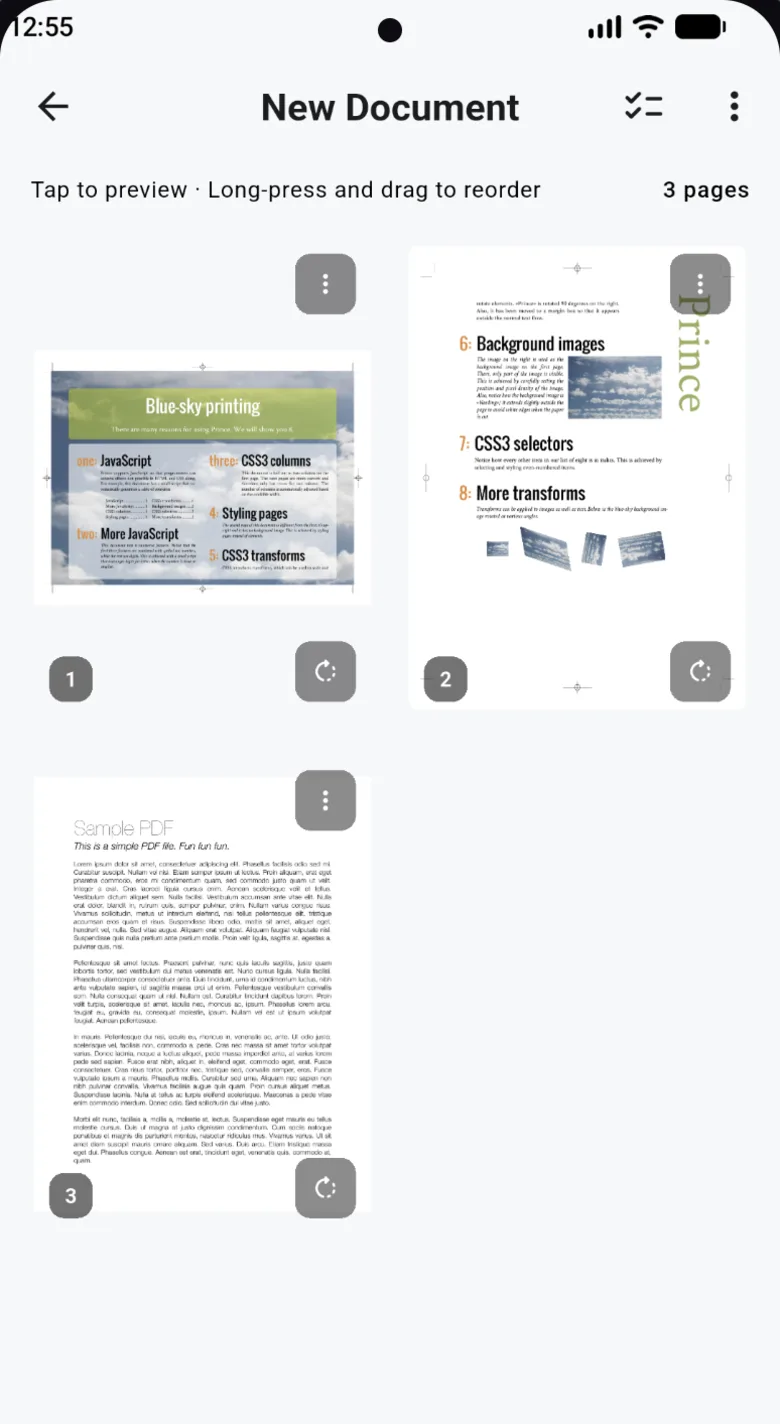
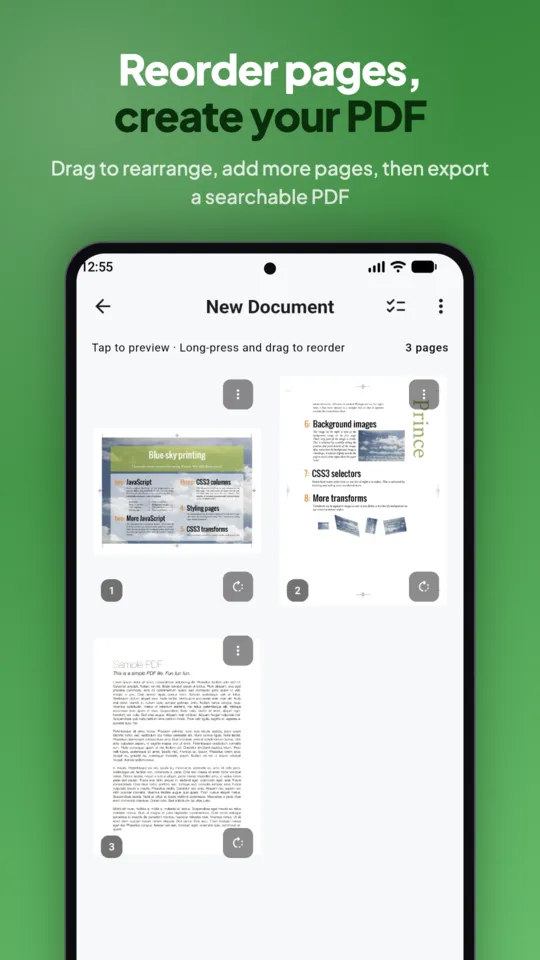
Pix Scan page editor showing a grid of PDF pages that can be dragged to reorder

Fix pages without starting over

Missed a page or scanned one upside down? Edit any PDF in place, including ones you didn't scan.

  • Reorder, rotate, crop, split, replace or delete pages
  • Add pages from the camera or gallery to any PDF
  • Rename documents at any time

PDF tools

Everything else a PDF needs

The jobs you'd usually upload to a website, done on your phone instead.

  • Password protect

    Lock a PDF with AES-256 encryption before you send it, or remove a password you no longer need.

  • Sign

    Draw your signature once and place it on any PDF.

  • Compress

    Shrink large PDFs so they fit in an email.

  • Merge

    Combine several PDFs into one file.

  • Export images

    Turn PDF pages into images to share.

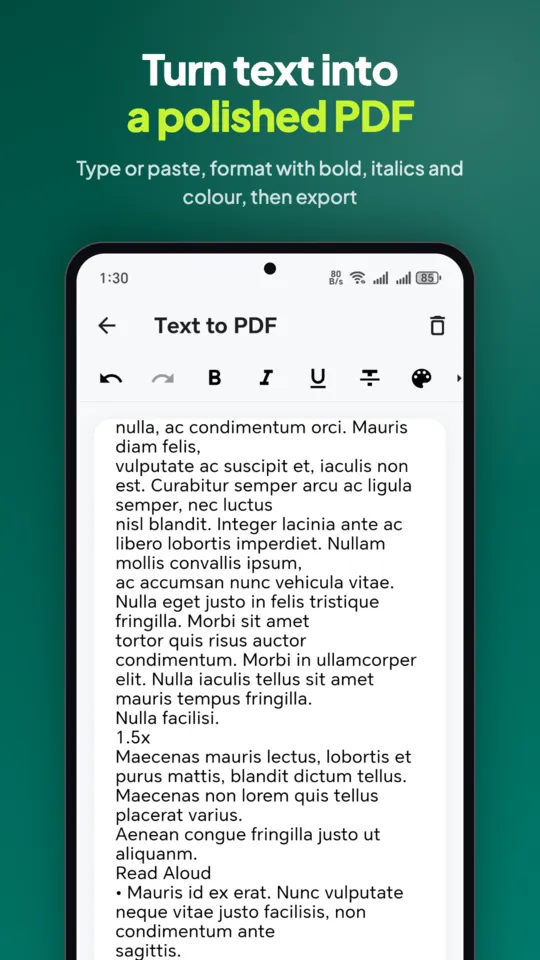
  • Text to PDF

    Write a document with headings, lists, bold and colour, then export it as A4, A3, A5, A6, Letter or Legal.

  • PDF viewer

    Zoom, full screen, go to page, and search inside PDFs. Opens where you stopped.

  • Documents library

    Search, sort and select several files to share, merge or delete, with undo.

  • Open from anywhere

    Open PDFs shared from other apps straight into Pix Scan.

Private by design

Your documents never leave your phone.

IDs, contracts and medical records shouldn't sit on someone else's server. Pix Scan does the scanning, text recognition, editing and read aloud on your device. There's no account to create and nothing to upload.

The app sends usage statistics and crash reports so we can fix bugs, never your documents. A few phone voices for read aloud need a connection; the app marks them. Read the privacy policy.

  • Stored on your deviceYour PDFs live in the app's storage on your phone.
  • Works in airplane modeScan, OCR, edit and listen without internet.
  • No sign-inNo email, no password, no profile.
  • AES-256 passwordsLock a PDF before it leaves your phone.

Screenshots

Take a look inside

Made for real life

Whatever's on your desk

  • Work

    Scan, sign and send contracts, invoices and receipts without finding a printer.

  • Study

    Digitize notes and handouts, then listen to them on the bus or save them as audio.

  • Accessibility

    Hear any document with the voice, speed and pitch that suit you.

  • Home

    Go paperless with bills, warranties, school forms and medical records.

Why Pix Scan

The scanner app without the catch

Plenty of scanner apps are free until you try to save. Here's what you get with Pix Scan.

Pix Scan compared with what many scanner apps do
FeaturePix ScanMany scanner apps
PriceFree, every featureWeekly or yearly subscription
AdsNoneBanners and video ads
WatermarksNoneOften on free exports
AccountNot neededOften required
Where files goStay on your phoneSynced to a cloud
Read aloud & MP3Built inRare

FAQ

Questions, answered

Is Pix Scan really free?

Yes. There's no subscription, no premium tier, no ads and no hidden costs. Every feature on this page is included.

Does Pix Scan work offline?

Yes. Scanning, text recognition (OCR), editing, the PDF tools and read aloud all work without internet. A few phone voices for read aloud need a connection, and the app marks them.

Are my documents uploaded anywhere?

No. Your documents stay on your phone and you don't need an account. The app sends usage statistics and crash reports to help us fix bugs, but never your documents.

Can I turn a PDF into an MP3?

Yes. Open a PDF, scan or photo, and export it as an MP3 or M4A file from Read Aloud or the Tools tab. Pix Scan uses the voice and speed you picked for Read Aloud.

Which languages can the OCR read?

Text recognition reads Latin-script languages such as English, Spanish, French and German. PDFs that already contain text work in any language.

How many pages can I scan at once?

Up to 100 pages in one scan. You can also import photos from your gallery and add pages to any PDF later.

Can I password-protect a PDF?

Yes. Pix Scan adds a password with AES-256 encryption, and it can remove a password from a PDF you can already open.

Does Pix Scan add a watermark?

No. Your PDFs come out clean, with no watermark or branding.

Is Pix Scan available on iPhone?

Right now Pix Scan is available for Android on Google Play.

Which languages is the app in?

16: English, Bengali, Chinese, French, German, Indonesian, Italian, Japanese, Korean, Malay, Portuguese, Russian, Spanish, Thai, Turkish and Vietnamese.

Free on Google Play

Go paperless today.

Scan, read, edit and listen to your documents with one lightweight app. No ads, no subscription, no account.

QR code that opens Pix Scan on Google Play

Scan with your phone's camera to install